


— Support

How can we help?

Find answers to common questions about your LinX CGM system, the app, and everything in between.

Set up in under 5 minutes.

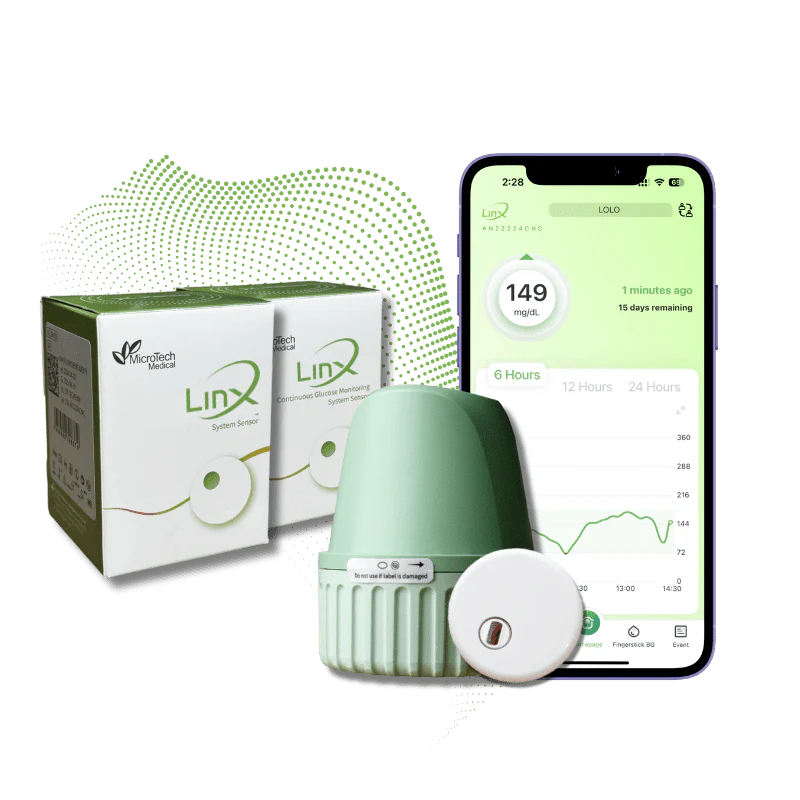
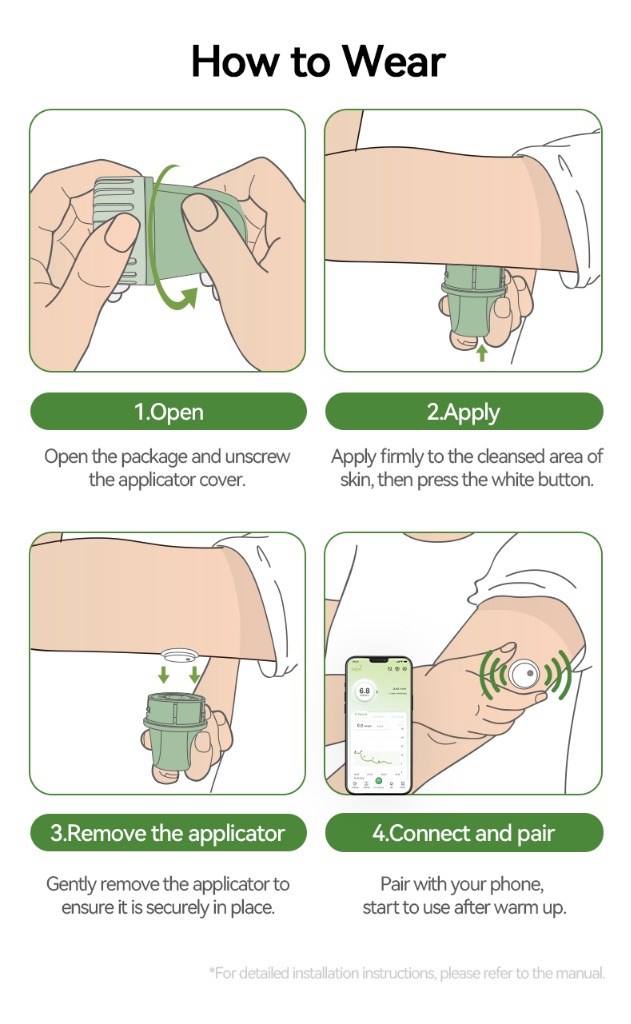
Getting started with LinX is simple: download the app, apply the sensor, pair via Bluetooth, and wait 1 hour for the warm-up. Then you’re ready to go — real-time glucose data, straight to your phone.

  • 1
    Download the LinX app from your app store
  • 2
    Apply the sensor to your abdomen or upper arm
  • 3
    Pair the sensor with your phone via Bluetooth
  • 4
    Wait 1 hour for warm-up, then you’re live
— FAQ

Frequently asked questions.

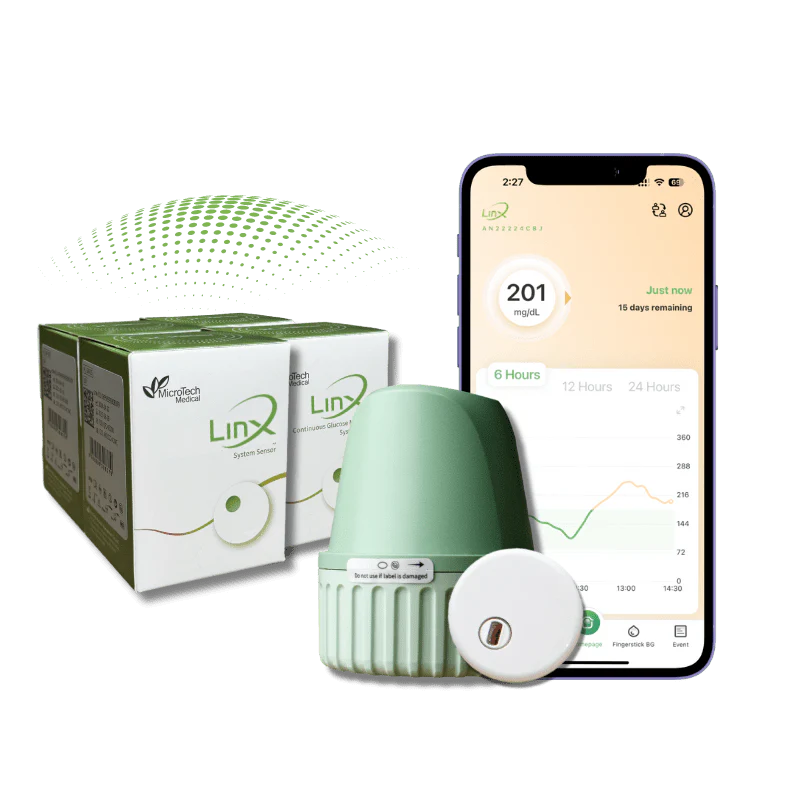
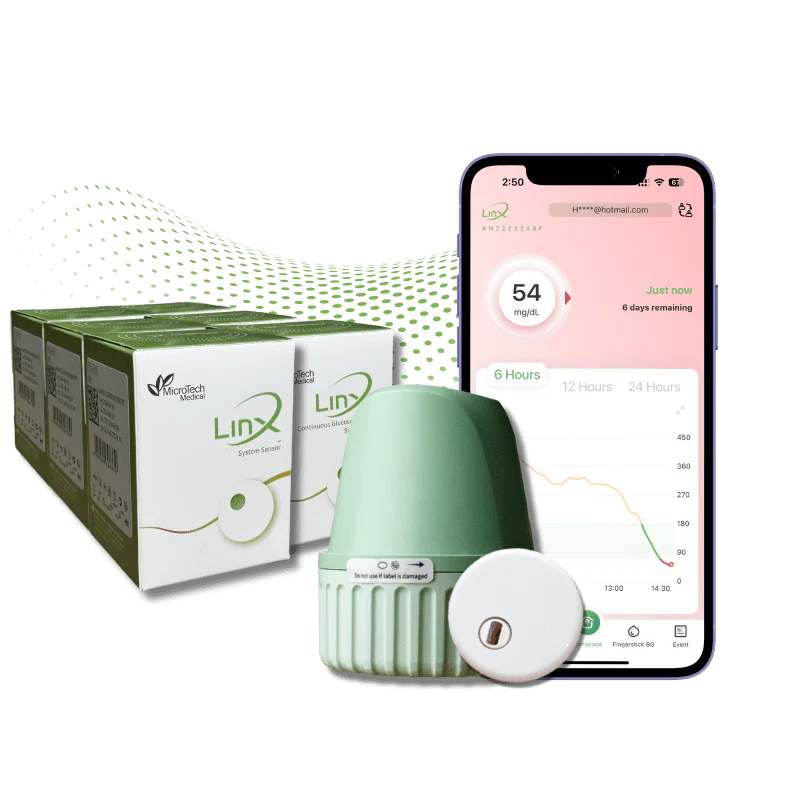
The LinX CGM System uses a small, wearable sensor to measure glucose levels in the interstitial fluid under the skin. The sensor sends real-time glucose readings every minute to the LinX App on your mobile device via Bluetooth, allowing you to monitor your glucose levels without regular fingersticks.

The LinX CGM System is approved for use by people with diabetes, including adults, children, and pregnant women. Please consult with your healthcare professional to determine if the LinX CGM System is right for you.
The Bluetooth transfer range is approximately 2 to 4 metres, depending on the environment and potential obstructions.
Yes, you can share your real-time glucose data with up to 10 followers (family members, caregivers, or healthcare providers) through the LinX App’s Share/Follow feature.
The LinX Sensor is powered by a small internal battery that lasts for the full 15-day wear period. No charging or external power source is required.
Your glucose data is stored securely in the LinX App on your mobile device and is also backed up to the LinX Cloud for easy access and report generation.
Currently, the LinX CGM System does not integrate directly with insulin pumps. However, you can use the readings from the LinX App to inform your insulin dosing decisions in consultation with your healthcare provider.

The LinX App on your mobile device can communicate with compatible smartwatches. With CGM watch integration, your glucose values can be visible with a glance at your wrist. Your smart watch communicates with your mobile device (not the sensor directly) — it needs to be in range with your phone to receive glucose data via Bluetooth.

The sensor measures glucose levels in the interstitial fluid, while a fingerstick measures blood plasma glucose. There is a natural lag between sensor glucose and blood glucose levels, especially when glucose levels are changing rapidly. It’s important to focus on trends and patterns, not the exact glucose values.

Airport: It is safe to wear with metal detectors and common electromagnetic interference. Avoid full-body scanners that use x-rays or millimetre-wave technology.
Medical Imaging: Do not wear the sensor during MRI, CT scans or diathermy. These procedures can damage the device and affect accuracy.

The LinX Sensor is the innovative Continuous Glucose Monitoring (CGM) technology. It is the smallest, all-in-one 15-day sensor used to continuously monitor your glucose levels. It automatically transfers glucose readings every minute to the LinX App on your mobile device.

Yes, the LinX Sensor is water resistant (IP68) and can be worn during bathing, showering or swimming, up to a maximum depth of 1.5 metres for up to 30 minutes.
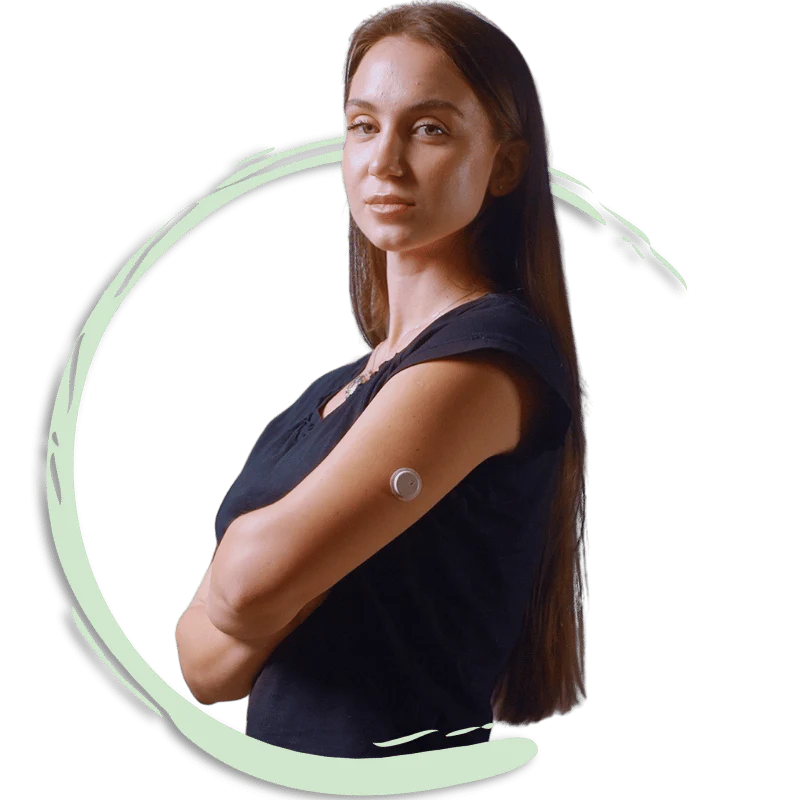
The sensor is designed to be worn on the back of the upper arm.
The LinX Sensor is the smallest all-in-one device. It is 22mm in diameter and 4.22mm thin — about the size of a 50 cent coin.
No, the LinX Sensor is an all-in-one device. No separate transmitter is needed.
No, it is factory calibrated. Calibration is optional if there’s a ≥20% variance between your sensor and blood glucose reading, or your symptoms don’t align with the sensor reading. Calibration is best done during stable glucose periods (e.g., fasting) with a horizontal trend arrow. Avoid calibrating within 15 minutes after meals, insulin, or exercise.
Select the “Finger Stick” tab at the bottom of the LinX App home page. Enter your blood glucose value (measured with your glucometer within 5 minutes). Select the appropriate “Recording Period” and tap “Calibrate” once. A red blood droplet on the graph indicates a successful calibration; a green droplet means the value was saved but not calibrated.

iPhone: Apple App Store. Android: Google Play Store. Huawei: Search for “LinX CGM App” using your Google browser.

Enter your email address, create a password (with uppercase, lowercase, number, and special character), confirm it, click “Send Verification Code,” and enter the code received via email within 60 seconds.
Tap the Personal Profile icon (top right), select “Pairing,” choose the sensor matching the serial number on your box, and tap “Pair.” Note: Only one email can be paired with a sensor at a time.
On the Patient’s device: Profile › Share/Follow › Add Follower. On the Follower’s device: Install the app, register, and select the Sharing icon (top right) to view data.
Trend arrows display the direction and speed (rate of change) of sensor glucose levels to help you take immediate action to prevent hypo- or hyperglycaemic events.
Select the “Events” tab and enter details for Meals (green apple icon), Exercise (running icon), Medication (capsule icon), Insulin (injection icon), or Other Notes (notebook icon).
Go to Profile › Reminder Settings. Choose your Alert Method and Frequency. The LinX App allows you to personalise alerts for high, low, and urgent low glucose values, as well as rapid rise/fall or signal loss. It is highly recommended to enable the Urgent Low BG Alert with a 5-minute frequency.
To export an AGP Report: go to the Trends tab, select a date range (minimum 5 days wear), tap the PDF icon (top-right), then share via WhatsApp or Email.
Go to Profile › Account Security › Log out › Confirm. Switch Bluetooth off, restart your phone, switch Bluetooth back on, and log in again (do not register a new account).

If the issue persists, contact the LinX WhatsApp helpline: 9011 0378

Yes, select the History tab on the home screen, select the date, scroll to the event, swipe left, and select the Trash icon.

Still need help?

Our support team is here to assist you. Reach out anytime.